CURRENT PLANCURRENT MODULE
VKS Lite
Capture knowledge, standardize work, and boost productivity.
VKS Lite
Capture knowledge, standardize work, and boost productivity.

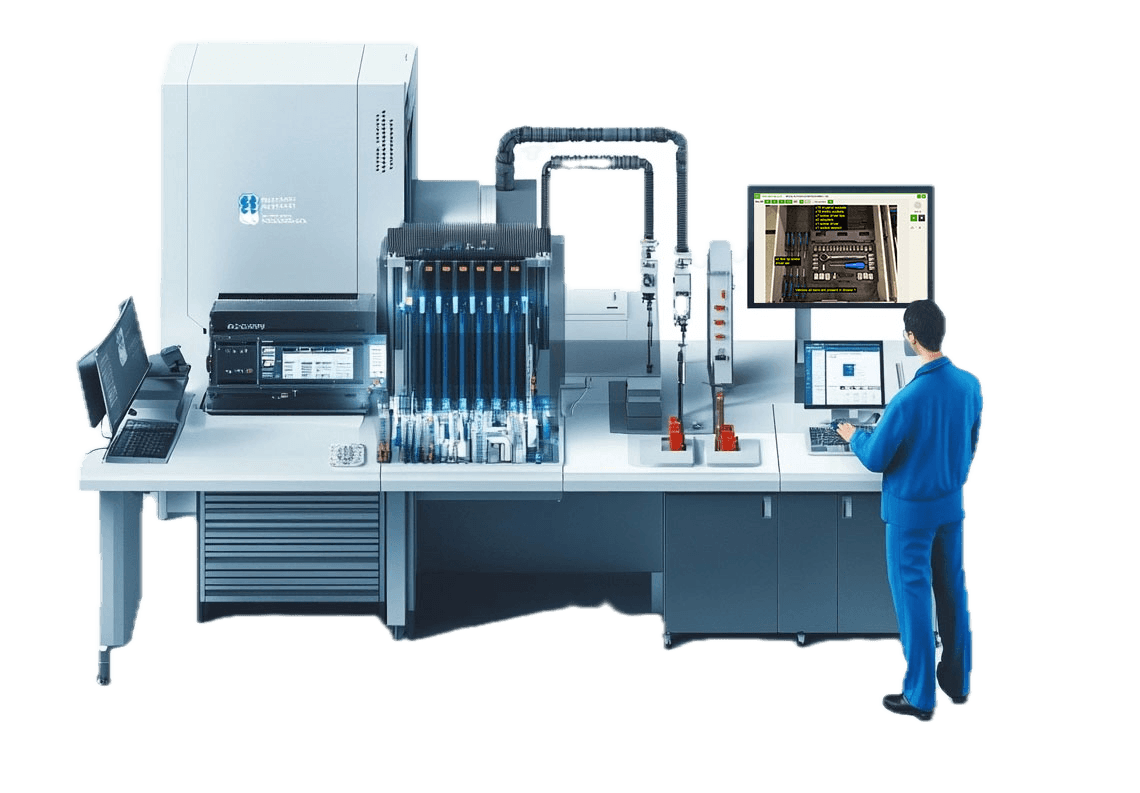
Learn how easy it is to transform into a digital factory. See an overview of how VKS work instructions works!
Explore and learnExplore the latest trends, best practices, and insights shaping smart manufacturing. Stay up to date with expert tips on using VKS software effectively and get the latest updates on our newest releases.
Check it out!Discover real-world case studies and learn how customers tailor VKS Work Instructions to their facility! Some customers have seen an increase in productivity by 75%!
Find out how!
VKS LITE
VKS Lite is a powerful work instruction software that enables businesses to collect knowledge, standardize best practices, improve productivity, and increase customer satisfaction.
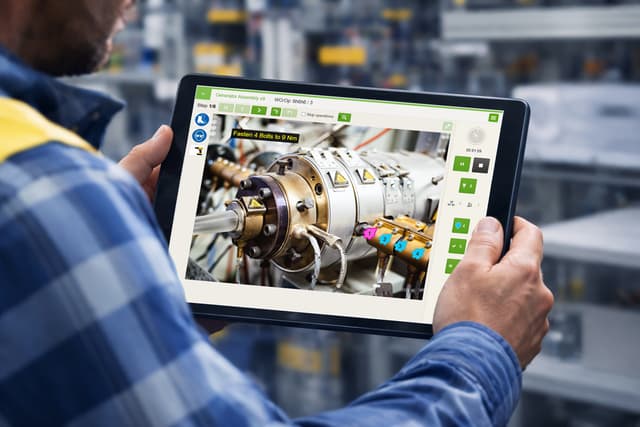
Create clear, step-by-step instructions in minutes. VKS Lite empowers your workforce with the tools they need to succeed while saving time and ensuring standardization.

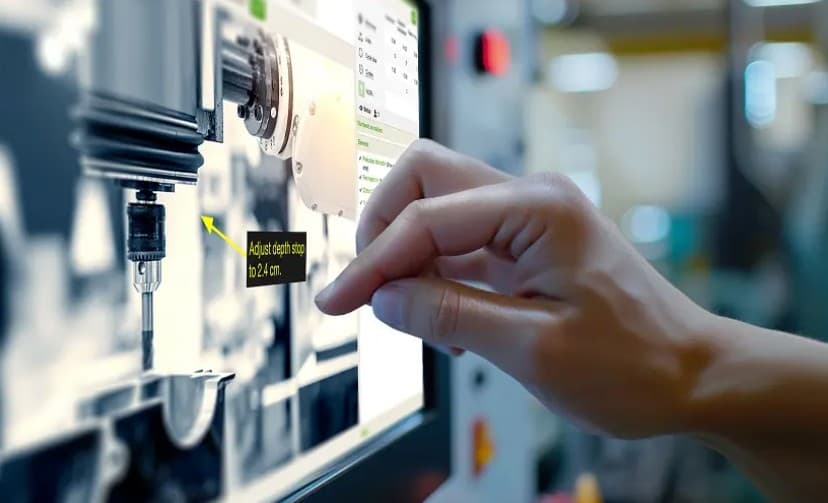
Leverage pictures, videos, drag & drop annotations, droplets, arrows, and more to build easy-to-follow instructions.

Access predictive text sizing and automatic language translation to eliminate rework and create optimized content the first time.
Harness automated version control and approval workflows to audit, track, and control all instruction updates.

Choose the hosting model that best suits the needs of your business and customers.
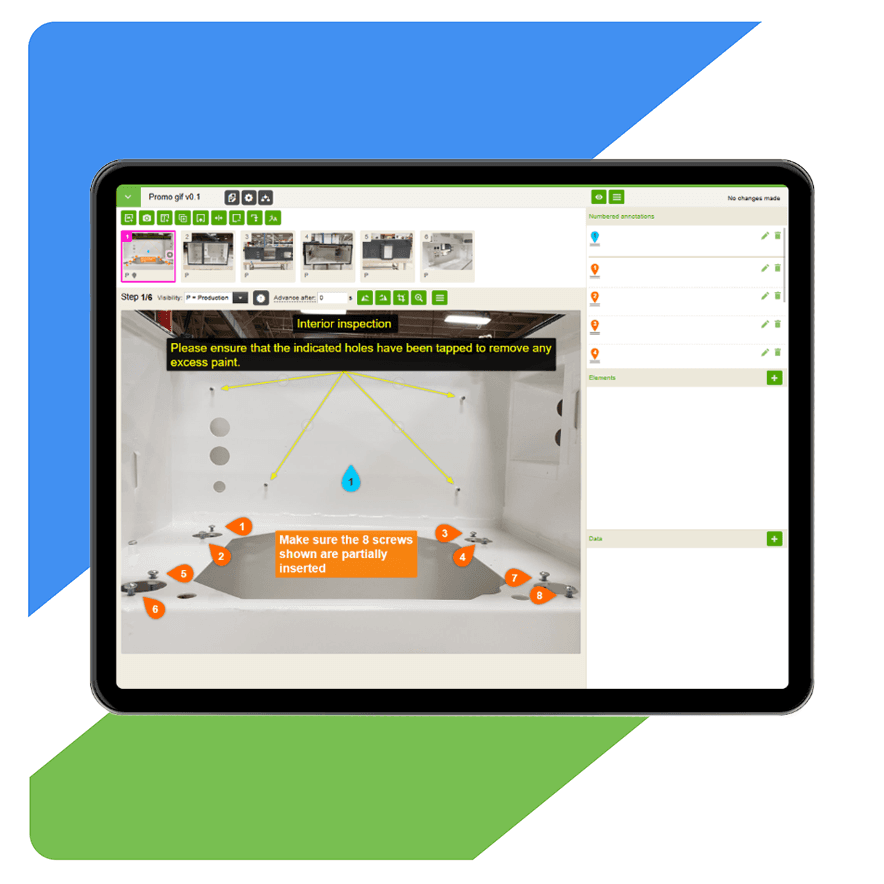
VKS Lite makes creating work instructions simple, fast, and effective for everyday operations. Enhance updates, ensure compliance, and streamline collaboration through a smart and paperless platform.
Leverage pictures and videos to create visually descriptive instructions that workers easily understand and follow.
Add droplets, lines, labels, picture-in-pictures, text, and more to further guide workers.
Use pictograms to ensure workers are following key safety measures and boost comprehension.
VKS Lite's no-code platform and award-winning interface make creating instructions fast and easy.
Ensure your workforce always has the latest instructions at their fingertips. VKS Lite empowers manufacturing teams to achieve full control and organization of their work instructions.
Maintain and control a comprehensive history of changes for continuous improvement, audits, and accountability.
Leverage templates to update hundreds of instructions simultaneously, keeping processes aligned.
Collaborate effortlessly with built-in review and approval workflows.
Gather insights directly from operators to drive innovation and improvements.
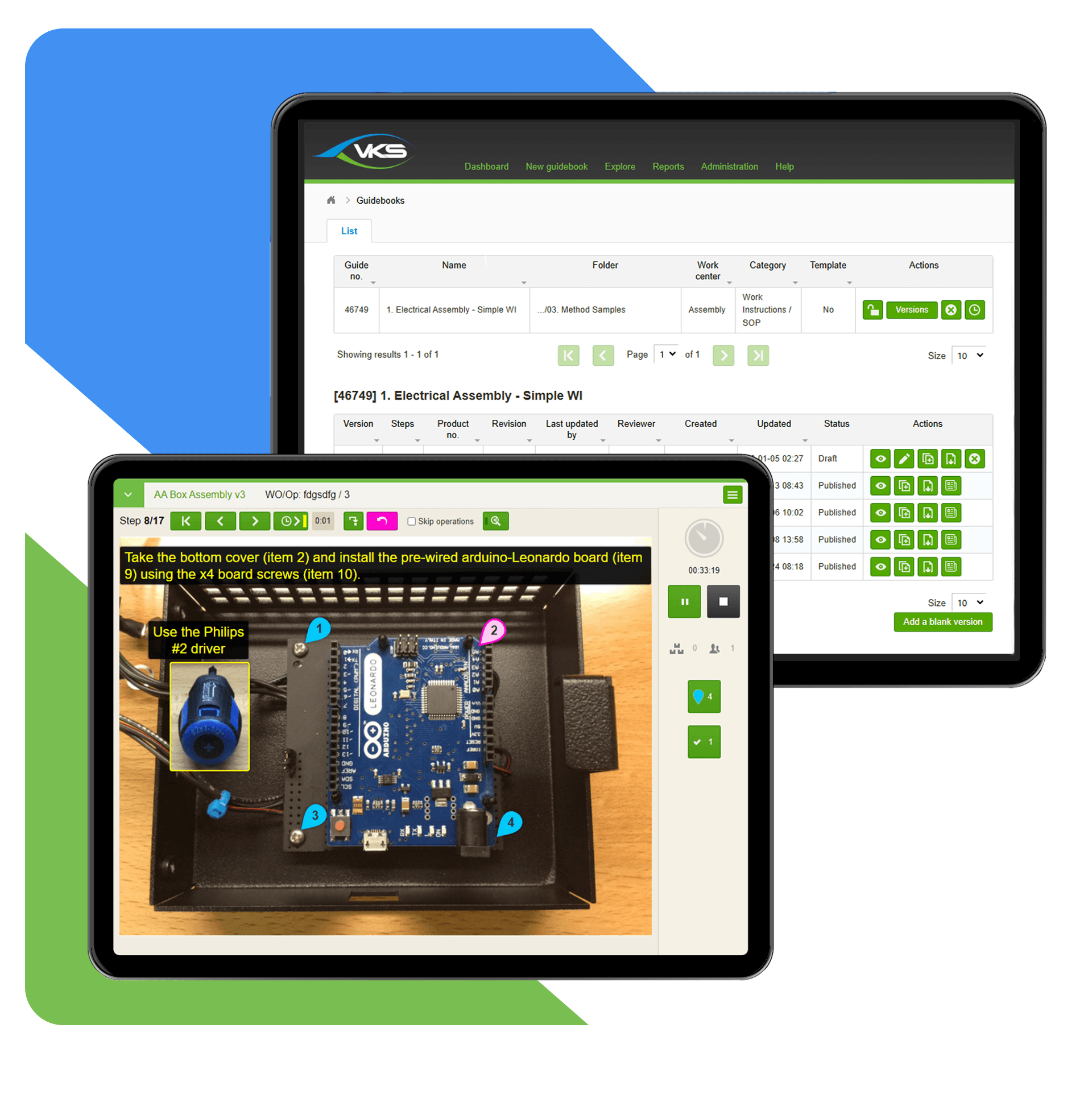
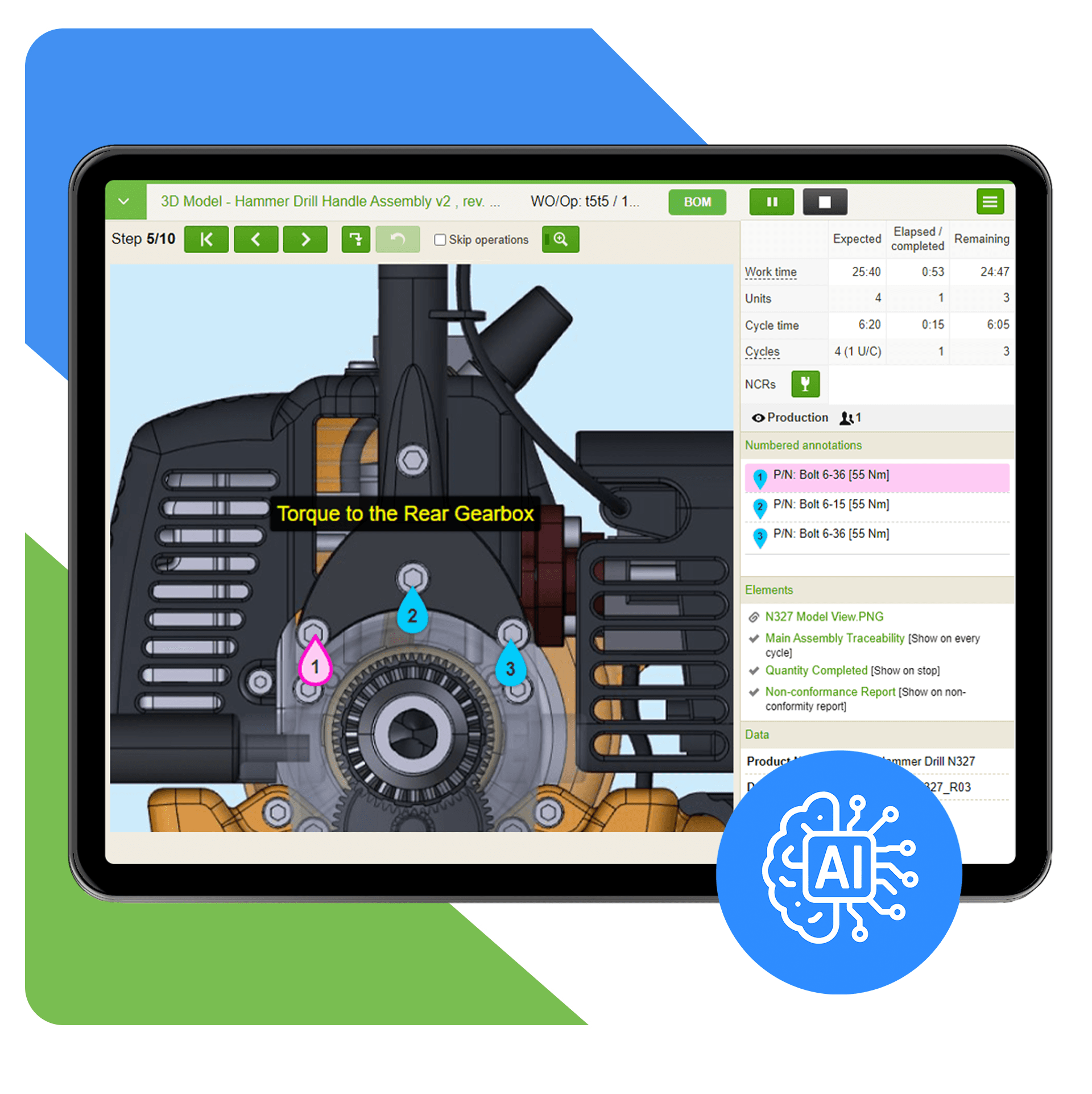
VKS leverages AI and advanced authoring methods to make work instruction creation more efficient than ever before, providing opportunities to save time, ensure flexibility, and unify the workforce.
Leverage Google and DeepL AI to translate instructions into over 30 languages instantly.
VKS automatically predicts the size of text boxes while authoring in multiple languages.
Leverage optimized viewing modes, color settings, alerts, conditional jumps, and more to guide workers through an interactive process.
Utilize templates, customizable settings, and structured workflows to standardize instruction layouts and content organization.
 "Our instructions are pretty straightforward. We love using pictures. It's like building Legos."

"The processes as well as the operators have really benefited from the video capability. We get to show someone how to do the work and not rely heavily on a description of the procedure."

"Our orientation process has been cut down to a quarter of the time it used to take. VKS helps us give new operators a point of reference. It's been a godsend to get a uniform language going."

"Our orientation process has been cut down to a quarter of the time it used to take. VKS helps us give new operators a point of reference. It's been a godsend to get a uniform language going."
"The processes as well as the operators have really benefited from the video capability. We get to show someone how to do the work and not rely heavily on a description of the procedure."
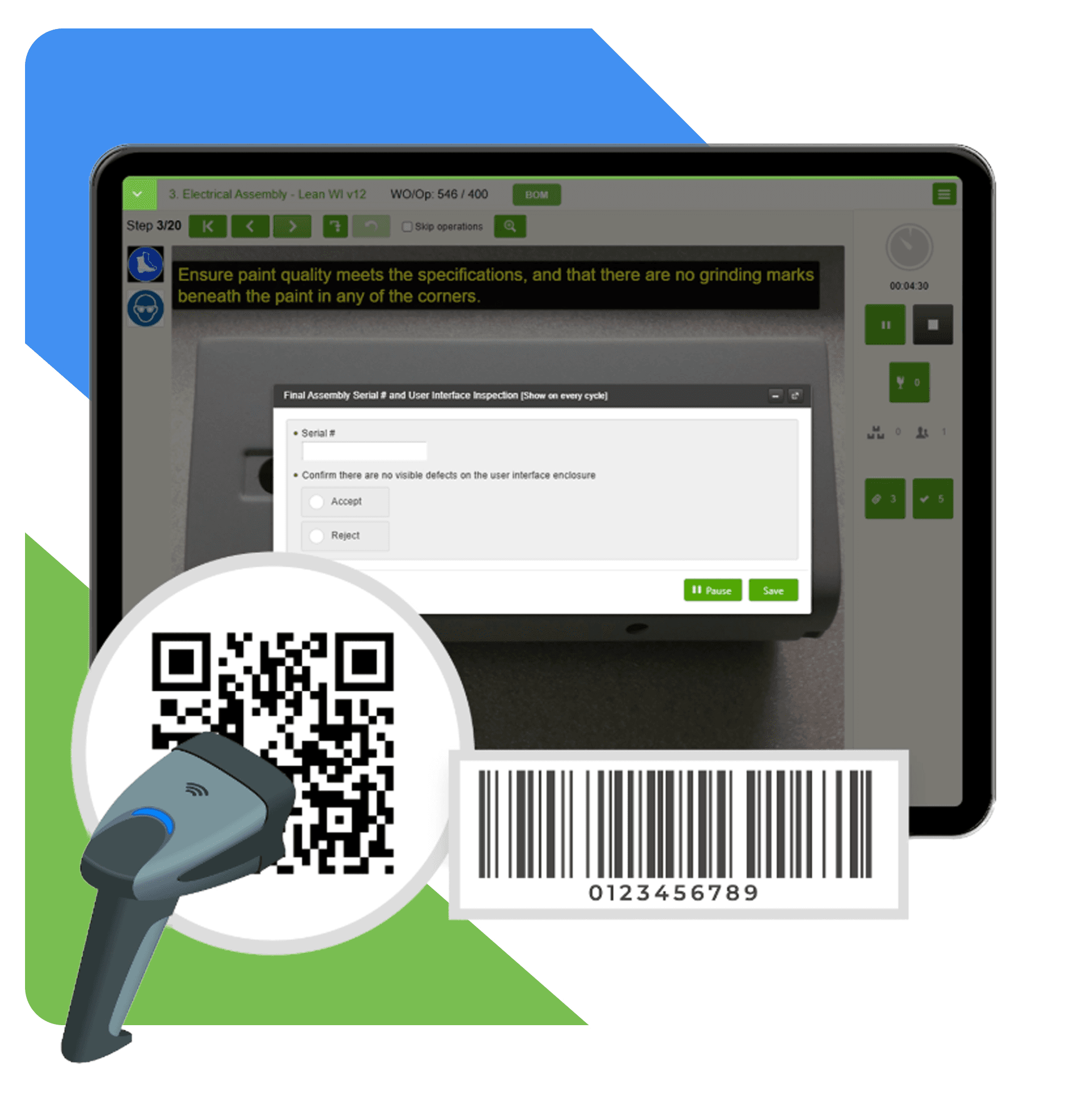
Ensure your workforce always has the information they need at their fingertips. VKS Lite offers fast and flexible access to your digital guidebooks.
Instantly launch instructions by scanning QR codes or part numbers with connected scanners and Bluetooth devices.
Bookmark instructions effortlessly from any device and/or link to VKS instructions from your other software.
Link to BOMs, CAD drawings, and more for easy access to additional information.
Access instructions on any device, from tablets to desktops.
Make onboarding new hires and upskilling your workforce faster, easier, and more effectively with VKS Lite.
Train employees in the real work environment to cut down training times and start producing value sooner.
Leverage employee profiles to ensure workers only access the information they need and keep workers up to date with training.
Streamline workflows for experienced workers by displaying only critical steps.


Clear, consistent instructions for all teams.

Engaging instructions with images, videos & notes.

Leverage fast and easy training and onboarding

Always have the latest instructions at your fingertips.

Easily share & access team knowledge.

Empower feedback-driven enhancements.
Reach out to one of our industry experts and take your operations to the next level!
Capture knowledge, standardize work, and boost productivity.
Capture knowledge, standardize work, and boost productivity.
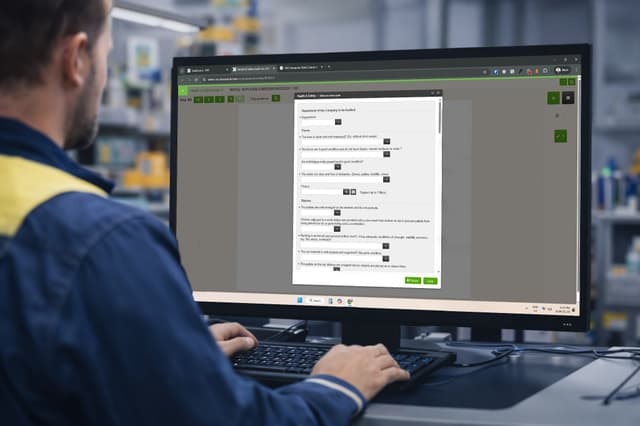
Standardize data collection and built-in quality control.
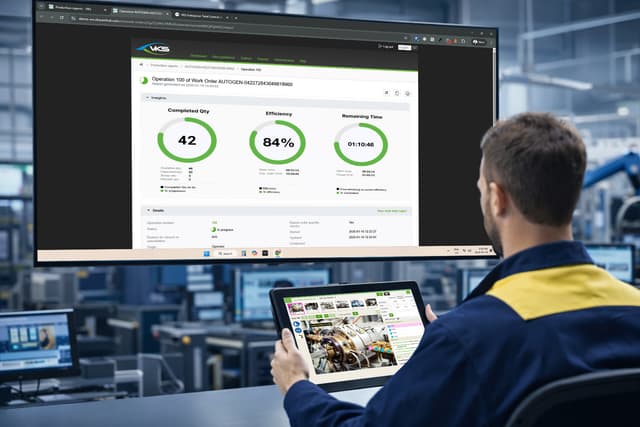
Connect people, processes, and systems in real time.
.jpg&w=640&q=75)
Ensure precision at every step with tool and device integration.