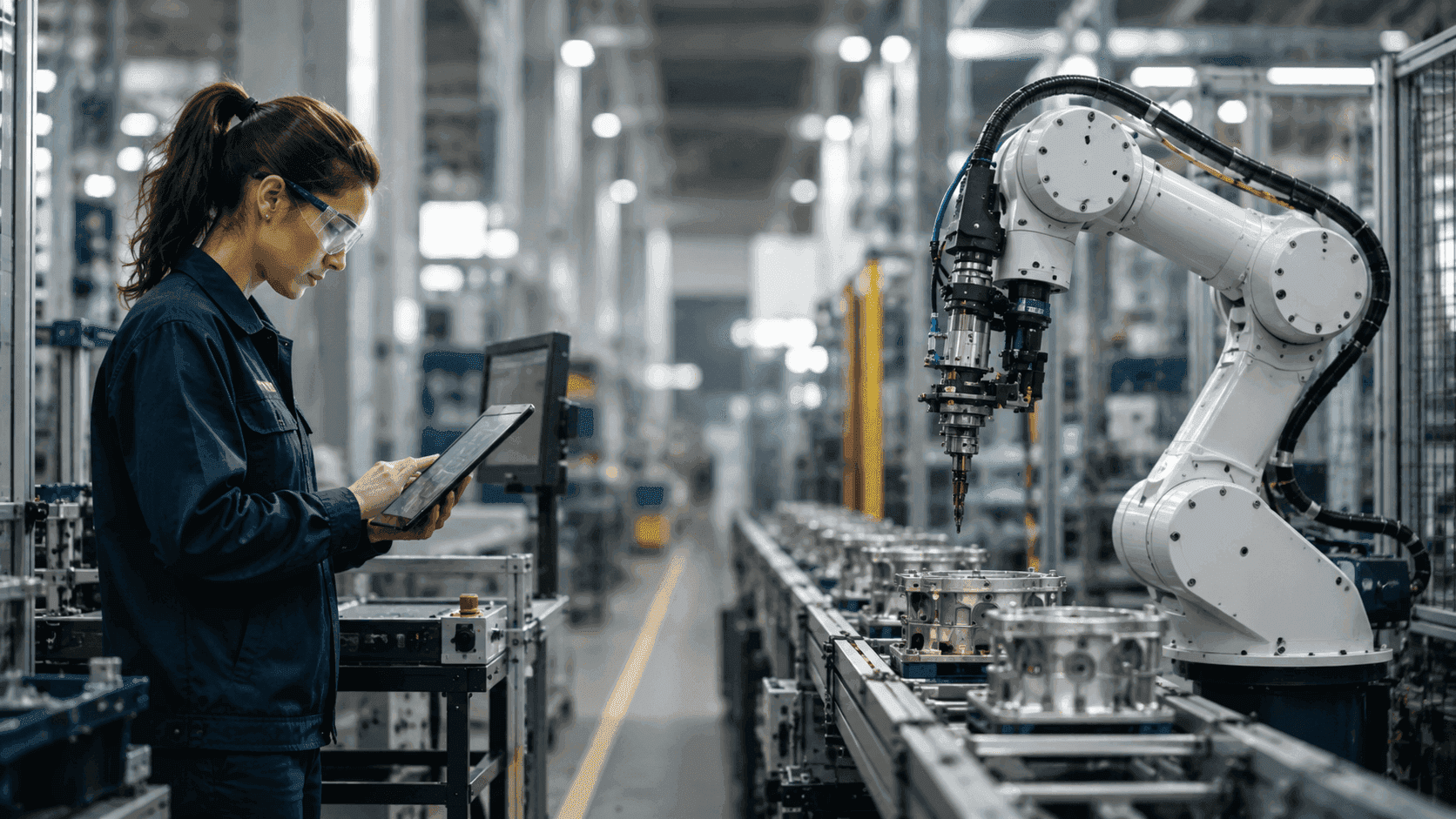


Automation is a major part of modern manufacturing. With tools like collaborative robots/cobots, smart quality checks, and self-driving robots (AMRs), manufacturing automation gives manufacturers many options for automating their tasks.
However, automation doesn't guarantee success. In fact, an overemphasis on automation while forgetting about the bigger picture can lead to chaos.
A smart factory aims to help people and machines work better together. What people sometimes forget is that automation is only a part of that endeavour.
So, how do you decide how much automation is suitable for your business? It really depends on what you're making, your team, and your work environment.
In this guide, we will look at a few things:
- What makes a factory smart
- When automation is most beneficial
- When to avoid using automation
- How connected workers and digital instructions help people and machines work together
- A simple approach to figuring out what tasks to automate
What Makes a Smart Factory?
The concept of a smart factory didn't pop up out of nowhere.
Manufacturing has changed a lot over the years, going through several stages.
The industrial journey evolved from steam-powered machines (Industry 1.0), then moved to mass production (Industry 2.0), then to factories run by computers (Industry 3.0). Now, believe it or not, we’re in the midst of two industrial revolutions simultaneously. The age of connected, data-driven factories (Industry 4.0) and the age of people and technology working together (Industry 5.0).
A smart factory can be characterized by the utilization of connected machines, real-time data collection, automation, artificial intelligence (AI), Internet of Things (IoT) devices, and digital processes.
But just using technology doesn't make a factory smart. The real benefit comes from using these tools to intelligently help workers, engineers, and supervisors make better choices with accurate, up-to-date information.
Today, a smart factory isn't just about having lots of robots; it's really about how well people, machines, and data work together.
The Biggest Myth About Factory Automation
One of the most common misconceptions about manufacturing automation is that more automation automatically leads to better performance.
Sadly, it doesn't. Automation only creates value when it solves a real operational problem.
Successful automation should improve one or more of the following:
- Product quality
- Production consistency
- Worker safety
- Throughput
- Traceability
- Labor utilization
- Data visibility
Adding automation simply because it's available can create unnecessary complications, increase maintenance costs, reduce flexibility, and make future process changes more difficult.
The goal isn't maximum automation. The goal is optimal automation.
When Automation Makes Sense
Manufacturing automation works best when it takes over repetitive tasks that take up a lot of time. Here are some situations where it makes sense to use automation.
High-Volume Repetitive Production
Jobs that need to be done hundreds or thousands of times every day are great for automation. When implemented well, it removes task friction, driving shop floor productivity and product consistency.
Examples include:
- Packaging
- Palletizing (stacking items on pallets)
- Moving materials
- Pick-and-place operations (picking items and placing them elsewhere)
| Benefit for workers: | Benefit for the shop floor: |
|---|---|
| Workers move from doing hard, repetitive tasks like picking and packing parts for long hours to supervising the process. They monitor how the system is working, manage part feeders, and check the quality of the output, which makes their job more interesting and less physically demanding. | Automated pick-and-place systems help maintain a steady workflow without slowdowns at the end of shifts. This consistent handling reduces mistakes caused by fatigue, which leads to less scrap and rework. Additionally, smooth material flow keeps work moving and ensures downstream machines are always in use. |
Hazardous or Physically Demanding Work
Manufacturers also benefit from automating tasks that expose workers to unnecessary physical strain or hazardous conditions.
Examples include:
- Heavy lifting
- Welding in hazardous environments
- Chemical handling
- High-temperature operations
| Benefit for workers: | Benefit for the shop floor: |
|---|---|
| Automation can reduce exposure to hazardous environments and physically demanding, dangerous tasks while allowing workers to focus on monitoring, inspection, troubleshooting, and other important activities. | Removing unnecessary exposure to hazards improves workplace safety, which boosts team morale and mitigates costly downtime. Automated. |
Precision Manufacturing
Some manufacturing processes need very precise measurements and placements. Industries like aerospace, medical devices, and electronics use automation because even small mistakes can affect quality easily.
This can include automated systems for checking tolerances, robots for assembling parts, machines for precise cutting, and cameras that find defects or check measurements.
For workers, automation serves as a helpful support rather than replacing their decision-making. Workers can use inspection data to spot problems, determine their causes, or decide on the next course of action. The machines handle the consistent measurements, while the workers use their judgment to make sense of the results.
| Benefit for workers: | Benefit for the shop floor: |
|---|---|
| Automated measurement and inspection tools provide workers with reliable information. Instead of only relying on their own manual inspections, they can use accurate data to find problems and make smarter choices. | Automated processes help make production more consistent and can spot quality issues sooner and more easily. Finding problems earlier can lower waste, reduce the need to fix mistakes, and prevent later quality issues. |
Labor shortages
Labor shortages make it hard for manufacturers to keep producing goods, especially when experienced workers are stuck filling in the gaps where repetitive tasks could be automated.
Automation can take care of some parts of a job while still needing skilled workers. For instance, an automated system might handle moving materials or putting things together repeatedly, while a skilled operator watches the process, handles any problems, checks quality, or trains new workers.
| Benefit for workers: | Benefit for the shop floor: |
|---|---|
| Automation helps experienced employees spend less time on repetitive tasks and more time using their skills for problem-solving, training, maintenance, and improving processes. It also helps less experienced workers manage operations better when they have the right support and systems. | Manufacturers can produce more goods without heavily relying on only their experienced workers. Automated process guides, like digital work instruction software, can also help keep valuable knowledge within the company. |
Data Collection
Modern manufacturing relies heavily on data to improve processes.
Automated systems can track:
- Cycle times
- Machine status
- Quality measurements
- Production counts
- Downtime events
For workers, this means they don’t have to write down production information manually anymore. Instead, the data is collected automatically while things are running. Operators and supervisors can then use this information to spot problems, check why machines stopped, or see where changes are needed.
| Benefit for workers: | Benefit for the shop floor: |
|---|---|
| Workers don’t get bogged down in manually collecting data. Instead of spending time collecting and entering data, they can focus on performing the work and using that real-time data to optimize operations. | Automatic data collection gives a more accurate view of how production is going. Manufacturers can compare cycle times, track when downtime happens, see quality trends, and make improvements based on real data. |
Read More: How Data Quality Drives AI Value
When Automation Isn't the Best Solution
While automation can be very useful, adding more machines and technology doesn’t always improve manufacturing.
For some manufacturers, having flexible workers supported by digital tools can lead to better results than relying heavily on automated machinery. In these cases, the aim isn’t to avoid using technology; it’s to use it in a way that helps workers instead of restricting their ability to adapt.
High-Mix, Low-Volume Production
Machines built for a specific task may require extensive reprogramming or changes when production shifts. For manufacturers making highly customized products, this can slow things down and take away the flexibility that keeps them competitive.
Why automation doesn't make sense for high-mix, low-volume production: Manufacturing automation can be difficult to justify when producing many different products in small quantities. This is because products and requirements often change, and the time and money required to set up and adjust machines may not justify the benefits.
A better method: Mix flexible manual assembly with digital tools that help workers adjust quickly to different products.
Key implementations include in High-mix, low-volume production:
Dynamic Digital Work Instructions: Interactive screens automatically display exact build steps based on the work order. Visual step-by-step guides significantly reduce the cognitive load on operators switching between custom parts, maintaining high quality even during low-volume runs.
Smart Handheld Tools: IoT-enabled smart torque tools and Bluetooth devices communicate directly with your software to automatically adjust tool parameters and collect valuable data. Measurement data is collected in real time and physically blocks progression if a fastener is missed or under-torqued. These tools deliver 100% quality traceability alongside the natural speed and dexterity of human hands.
Processes Requiring Judgment
Robots excel at following set instructions, but people are better at handling situations where the right choice depends on the context, past experiences, or unexpected challenges.
Tasks like troubleshooting, making engineering changes, quality control, or catering to customer-specific needs still benefit from having skilled workers involved.
Why automation doesn't make sense for processes requiring judgment: When a process relies on workers to interpret unique situations or make decisions that can’t be easily outlined in rules, automation can make things extremely complicated. While a system may perform well in some expected scenarios, it may struggle when things go off-script.
A Better Approach: Instead of fully automating a process, it’s more effective to automate repetitive tasks and provide workers with the information they need to make decisions.
Key Methods to Employ in processes requiring judgment: Ensure workers have real-time access to the information they need right where they are working. Digital instructions, visual aids, quality checks, forms, and collected production data can help support human decisions without trying to automate every single choice.
When Processes Change Frequently or Aren't Stable
One of the main obstacles with automation is attempting to automate a process that is either in constant flux or not yet fully standardized. In manufacturing, processes often evolve due to new product designs, revisions, changing customer needs, quality concerns, or updated regulations. This issue is especially common in industries like aerospace and medical device manufacturing.
On top of that, a process that has inconsistent work methods, vague instructions, frequent errors, or unnecessary steps may not be ready for automation at all.
Why automation doesn't make sense: Manufacturing automation is most effective when a process is clear, stable, and can be repeated reliably. Additionally, if the process is inefficient or inconsistent, automation can embed these issues into the machinery or software, making future adjustments more costly.
A Better Approach: Before jumping into automation, it's important to first stabilize and standardize the process. Using digital work instructions can help manufacturers document the current process, establish consistent methods, and collect production data while pinpointing areas for improvement. Once the process has stabilized, manufacturers can assess which steps are ready for automation.
When processes do change, having flexible digital workflows makes it much easier to update instructions and ensure that workers are aligned with the latest approved methods.
Key Steps to Follow:
- Document the Current Process: Ensure everyone understands how the work should be performed by documenting the existing procedures.
- Standardize Work: Eliminate unnecessary variations to create consistency in how tasks are carried out.
- Measure Performance: Use key metrics like cycle time, quality results, and downtime to evaluate how well the process is functioning.
- Identify the Main Issues: Look for recurring issues or obstacles that could benefit from improvements or automation.
- Control Process Changes: Link approved work instructions to the production process and remove outdated instructions to manage changes effectively.
- Communicate Changes: Inform everyone about any changes and provide the necessary training before workers start the new processes.
- Automate Selectively: Once the process is stable, consider automation only when the expected benefits exceed the costs and complexity.
- Monitor Performance Post-Automation: Continue to track performance after automation to ensure the process meets expectations and remains efficient.
The Hidden Cost of Over-Automation
When companies decide to automate tasks, it’s not just about buying robots. There are other important factors to think about, such as:
- Setting up the system
- Ongoing maintenance
- Potential downtime
- Training employees
- Making everything work together
- Keeping spare parts on hand
- Adapting to future changes
If a business automates too much, it might lose flexibility, which is a problem when customer needs change. Sometimes, augmenting the workforce’s capabilities can be a quicker and more cost-effective way to improve efficiency than buying new, expensive machines.
The goal of automation should always be to enhance operations, not just to automate for the sake of it.
Want to calculate your ROI with a connected worker platform? Try our ROI calculator.
Digital Work Instructions Connect People & Automation
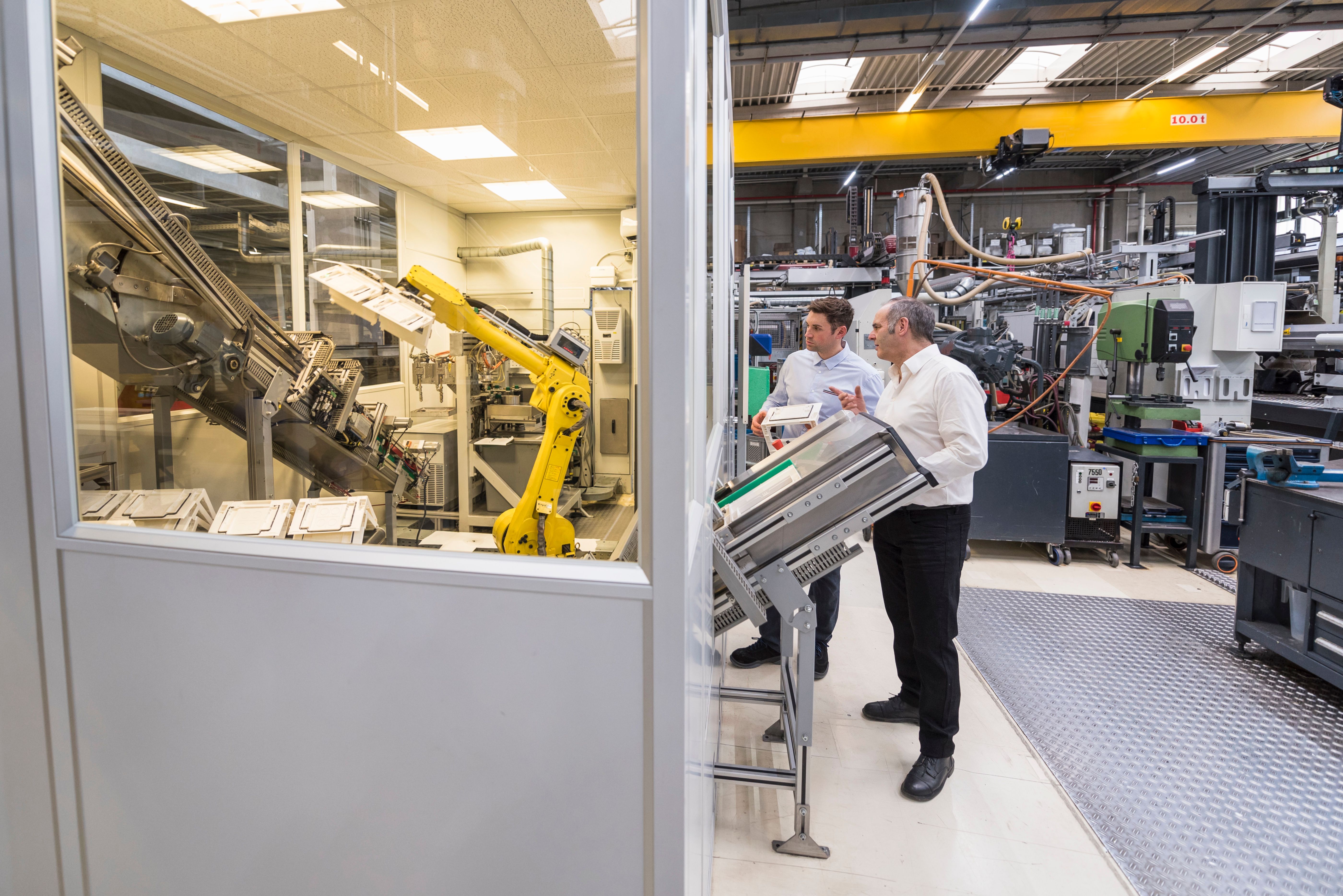
Automation doesn't mean getting rid of workers in the process. In many manufacturing environments, the most effective approach is to connect automated equipment with the people responsible for operating, inspecting, and managing the process.
Digital work instructions can serve as the connection between the workers and the machines. Instead of just telling a worker what to do, these instructions can communicate with tools and machines, programmable logic controllers (PLCs), sensors, and other connected devices. This enables factories to coordinate both manual and automated steps within the same production process.
For example, a digital work instruction can:
- Step-by-step visuals
- Pictures and videos
- Quality checkpoints
- Integration with devices
- Automatic data recording
- Digital signatures for approvals
- Current production updates
- Communicate with sensors and PLCs
- Capture machine, sensor, cycle-time, and quality data
For the worker, this approach creates a more guided and responsive workspace. The operator can see what needs to happen next, while the system checks that all necessary conditions are met. Instead of needing to check every measurement manually and record each detail, the connected workflow automates those interactions for the operator.
For the factory floor, these setups provide better coordination between manual and automated processes. Necessary conditions can be validated before a machine begins, inspection results can be logged automatically, and production data can be tied directly to the tasks being performed. This can help improve compliance with processes, improve product quality, and ensure traceability while cutting down on unnecessary manual steps.
This shows how automation can be more than just a machine working by itself. The workers, work instructions, and automated tools/equipment can all come together to create one connected workflow.
For manufacturers looking to connect work instructions with machines, tools, and production systems, VKS Connected Manufacturing provides more information on how these integrations can work in practice.
A Simple Framework for Deciding What to Automate
Before investing in automation, ask yourself these five questions.
1. Is the task repetitive? The more repetitive the work, the stronger the automation opportunity.
2. Does the process change often? Highly variable processes often benefit more from digital guidance than fixed automation.
3. Does the task require human judgment? Inspection, troubleshooting, and decision-making usually remain human strengths.
4. Is traceability critical? If compliance, quality records, or production history are required, automation should work alongside connected digital systems that capture execution data.
5. Could software solve the problem before robotics? Sometimes, manufacturers don’t really need another robot. What they really need are clearer processes, better guidance for operators, and improved visibility in production. Digital work instructions can often address these issues at a lower cost and can be set up more quickly.
The Future of Smart Manufacturing Is Industry 5.0
The most advanced factories are not defined by the number of robots they have. Instead, they excel by recognizing where automation adds value and where skilled workers are essential.
By integrating automation with connected workers, digital work instructions, and real-time production data, manufacturers can enhance product quality, increase flexibility, improve traceability, and respond more rapidly to changing production demands.
Whether automating a single workstation or transforming an entire facility, success comes from equipping the workforce and the factory with the tools, information, and technology they need to excel in their roles.
Read Next The Power of Humanity in Industry 5.0